Add live group video rooms to your membership site without rebuilding anything.
RoomLink embeds directly into your existing site, connects to your current member accounts, and gives your community live multi-user video rooms — no downloads, no redirects, no second login required.
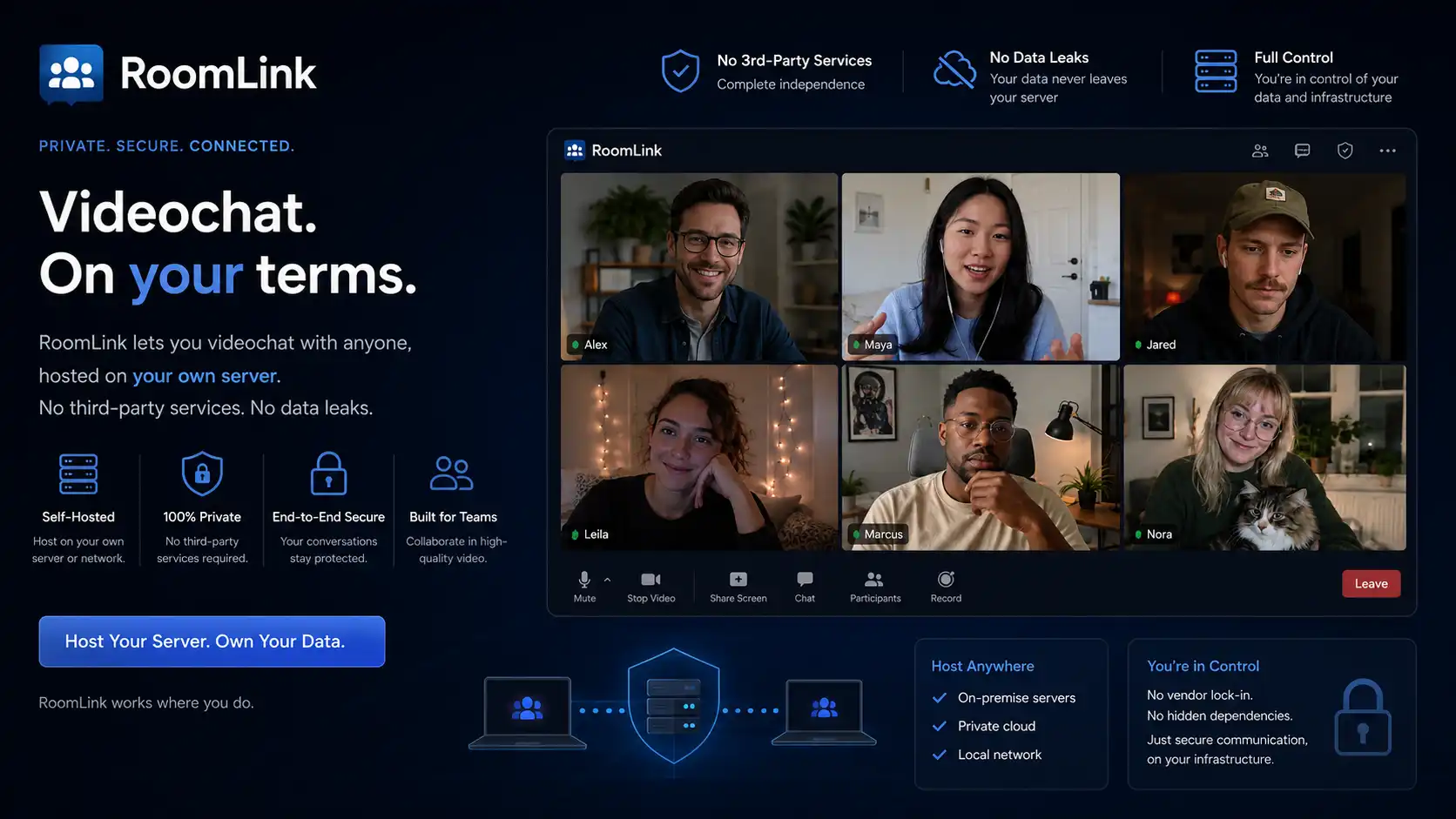
Multi-user live video, built into your site.
RoomLink is a hosted video room system that runs inside your website. It connects to your member accounts, runs on your domain, and lets multiple participants be on camera together — powered by a managed WebRTC server with no plugins or downloads required.
True Multi-User Video
Multiple participants on camera at the same time, all seeing and hearing each other. Not a one-way broadcast — actual real-time conversation between everyone in the room, up to whatever limit you set per room. Works for small groups of 3 or larger community sessions.
Managed WebRTC Server
Video is powered by a managed WebRTC server infrastructure — not browser-to-browser peer connections. That means stable streams, consistent quality, and reliable performance when rooms fill up. LCNTech handles the server layer; you see none of it.
Embeds Into Your Existing Site
RoomLink runs on a page inside your own domain. Members access it through your existing navigation the same way they reach any other part of your site. Your branding stays intact, your analytics capture every session, and users never leave your platform.
Uses Your Existing Member Accounts
Because RoomLink connects to your current login system, any authenticated member walks straight in with their identity intact. No second account to create, no separate password, no friction before they reach the room.
User-Created Rooms
Members can create their own rooms and name them, hosting their own gatherings independently. Optional password protection lets users run private sessions within your community — breakout groups, VIP meetings, small-group workshops.
Private Messaging & Whispers
Participants can send private messages to anyone else in the room without leaving the video session. Whispers appear only to the recipient and stay out of the main room chat. Useful for sidebar conversations during group sessions.
Nothing to Download
The full video and chat experience runs in the browser on desktop and mobile. Members join from a laptop, phone, or tablet without installing anything. The mobile layout adapts automatically with a responsive sidebar.
Admin Panel & Stream Monitor
A full admin panel gives you live visibility into active rooms, participant counts, and stream health. Manage users, adjust room settings, review session logs, and control branding colours from one place.
-
1
We integrate with your site
Integration is as simple as adding a link anywhere on your site. We handle the server setup, auth connection, and configuration. Works with WordPress, custom CMS, and most major platforms.
-
2
Members arrive already signed in
RoomLink connects to your existing login system. Authenticated members walk straight in — no second login, no new account.
-
3
Browse rooms and join
Members see available rooms and join with one click. Public rooms open instantly. Private rooms prompt for a password.
-
4
Live conversation begins
Everyone on camera sees and hears each other in real time. Text chat and whispers run alongside video. Members can branch into their own rooms independently.
What changes when your community has live video.
Without live video, community interaction happens asynchronously — forum posts, comments, messages. Members check in, read, and leave. The site rarely feels alive.
With RoomLink, members can see and talk to each other in real time, on demand. Study groups, open office hours, weekly meetups, and spontaneous conversations happen inside your platform rather than spilling out to Zoom or Discord.
Members who interact live stay longer, return more often, and churn less. The video room becomes a reason to visit on its own.
Built for any membership site that wants members to actually connect.
Online Courses & Education
Live Q&A sessions, study groups, and instructor office hours — all happening inside your platform without redirecting students to external tools.
Fitness & Wellness Studios
Live group classes where the instructor and all participants are on camera together. Real-time coaching and interaction, not a one-way broadcast.
Professional & Industry Networks
Networking rooms, peer roundtables, and mentoring sessions for professional membership communities — running inside your platform, not a third-party tool.
Coaching & Group Therapy
Small-group video sessions where confidentiality matters. Password-protected rooms, no third-party server, member identity verified through your own login system.
Gaming & Hobby Communities
Live watch parties, discussion rooms, and event nights that keep community activity on your site rather than migrating to Discord or streaming platforms.
Any Site Needing More Engagement
If your members interact through forums or messages today, live video gives them a reason to visit at a specific time and stay for longer. Sessions become events.
We handle the technical work. You control the experience.
We handle the server setup, WebRTC infrastructure, and integration with your existing site. You control rooms, moderation, and branding — and we stay out of your community decisions.
What LCNTech handles
- Server setup and WebRTC infrastructureProvisioned and managed on our infrastructure, or yours if preferred.
- Integration into your siteWorks with any site type — WordPress, custom CMS, most major platforms.
- Member account connectionYour members use the credentials they already have. No private data is transferred.
- Ongoing maintenance and supportWe keep the infrastructure running. You don't manage servers.
What you control
- Room configurationPublic or private, password-protected, participant limits — all set by you.
- Branding and stylingColours and interface style match your site. RoomLink looks like it was built as part of it.
- ModerationAssign room owners and moderators, review session logs, manage users, and set your own community rules.
- Session codesInvite guest access to specific rooms without requiring full site membership.
Ready to add live video to your community?
Tell us about your site — your platform, your member count, and how you want rooms to work. We will scope the integration and give you a clear timeline and cost.